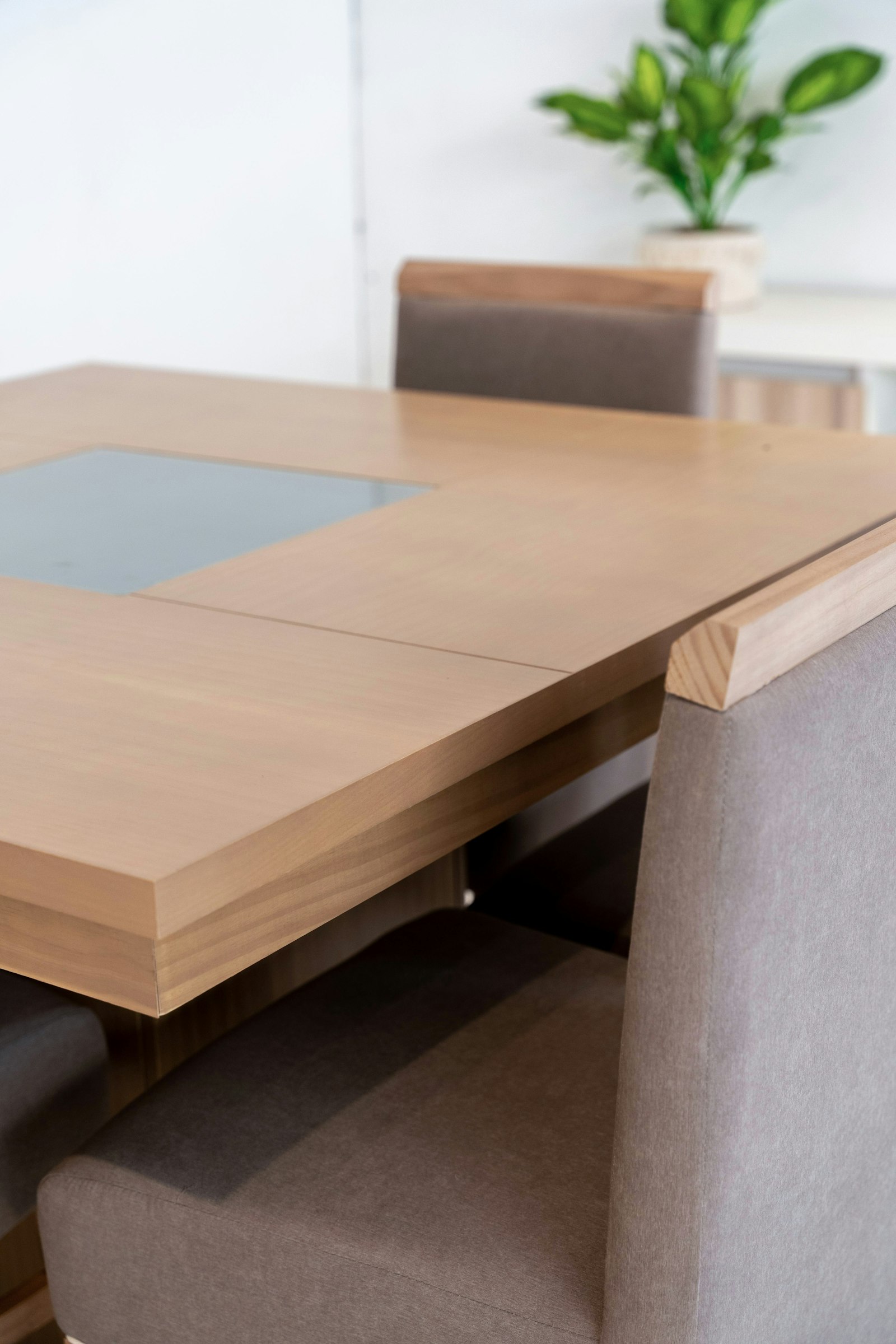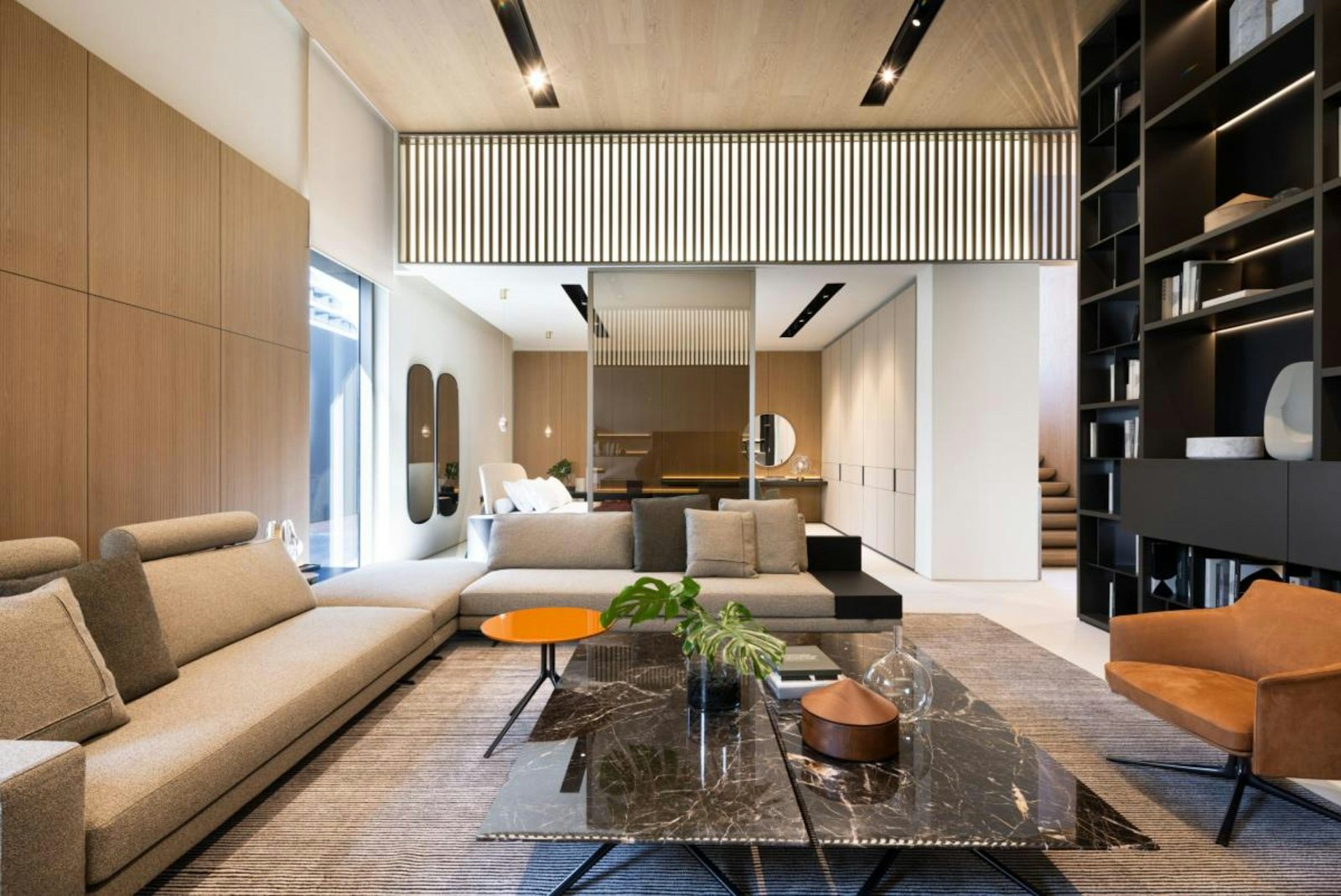
Furniture / Cart Ready

Shop the furniture section with real catalog products.

The furniture storefront now runs on real product records instead of mock entries. The category rail still drives browsing, each card opens a large detail view, and the add-to-cart buttons now feed the live cart and checkout flow already in the system.

0 Furniture products in the grid
0 Featured products above the grid
6 Collections to browse
Browse Furniture

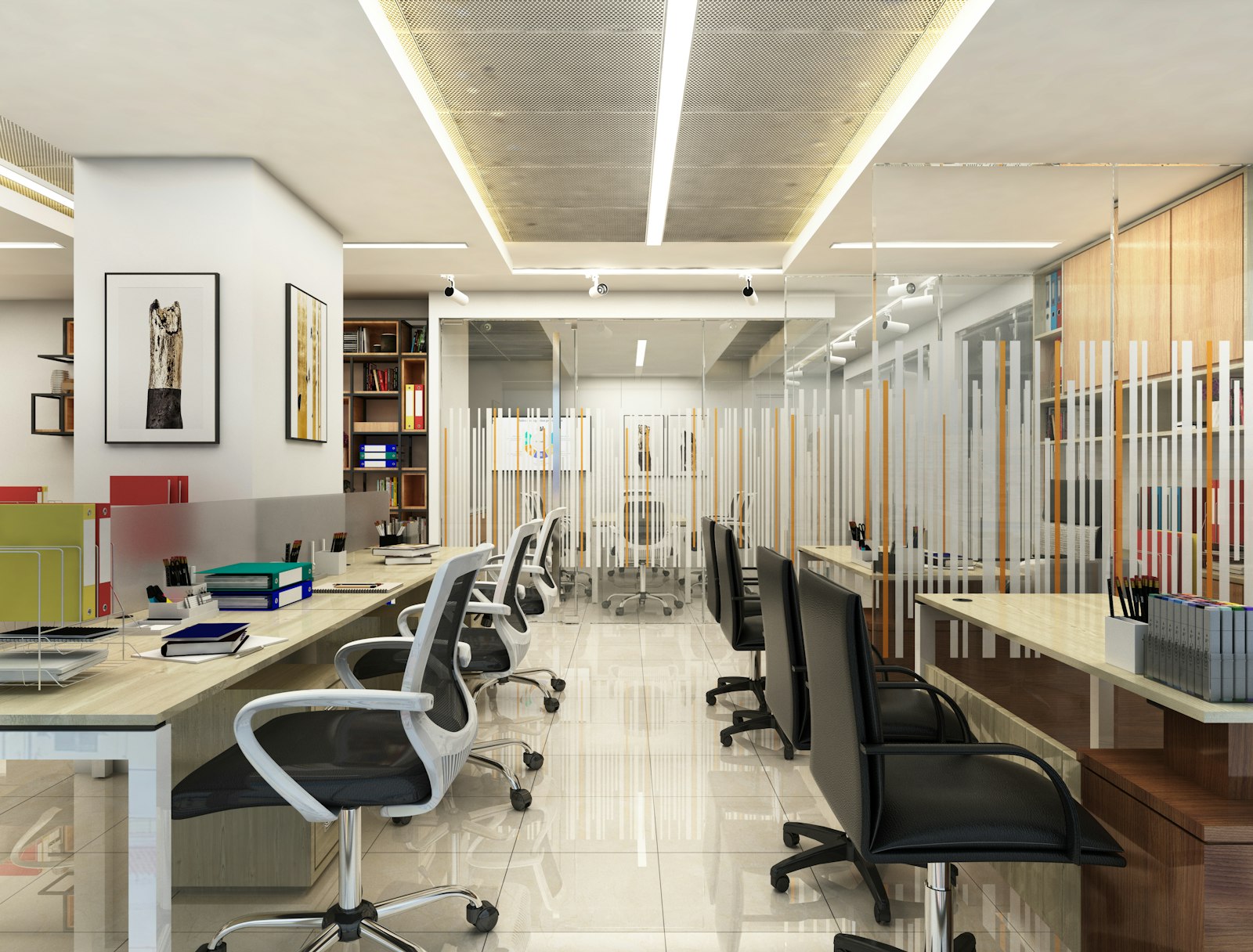
Use real-image category cards as the top browsing rail.

These collection cards filter the catalog below, while the product cards and featured items now connect to real product pages and the cart.

Featured Products

The top strip now showcases real buyable furniture products.

These highlighted items still work like a merchandised collection wall, but they now open the live product modal and can be added to cart directly.

Catalog View

Furniture catalog

Browse the full furniture mix across bedroom, living, dining, office, storage, and patio.

0 items

Phase 1A

The furniture section now shares the live store flow.

These furniture cards are now backed by the same product, cart, and checkout flow as the rest of the storefront, while still keeping the photo-driven layout you wanted for the frontend.

Open the cart flow

Suuq Live Chat

Online • Help Center
Join the Conversation

To chat directly with platform support or merchant stores, please log in to your account.

Sign In Create a free account